Best laptops under 45000 for coding(2025): If you’re planning to start your coding journey or upgrade your current machine, finding the best laptop under ₹45,000 for coding in 2025 can feel overwhelming. With so many options in the market, it’s easy to get confused between processors, RAM, storage, and other features. But don’t worry — you don’t need to spend a fortune to get a reliable laptop for programming.
In this budget, you can easily find laptops that handle popular coding languages, IDEs like VS Code, PyCharm, and Android Studio, along with multitasking for everyday use. Whether you’re a student, beginner programmer, or someone looking for a budget-friendly work laptop, the right choice will give you smooth performance without burning a hole in your pocket.
In this guide, we’ll explore the top laptops under ₹45,000 for coding in 2025, along with important buying tips to help you pick the one that fits your needs perfectly.
Things to Consider Before Buying a Coding Laptop
When choosing a budget laptop for programming, make sure it includes:
Processor: At least Intel i5 (11th/12th Gen) or AMD Ryzen 5 series
RAM: Minimum 8GB (expandable option preferred)
Storage: 512GB SSD for smooth performance (avoid HDD if possible)
Display: Full HD (1920×1080) for eye comfort during long coding sessions
Battery Life: At least 6–7 hours backup for portability
Keyboard: Backlit and comfortable for extended coding work
1. Acer Aspire 3
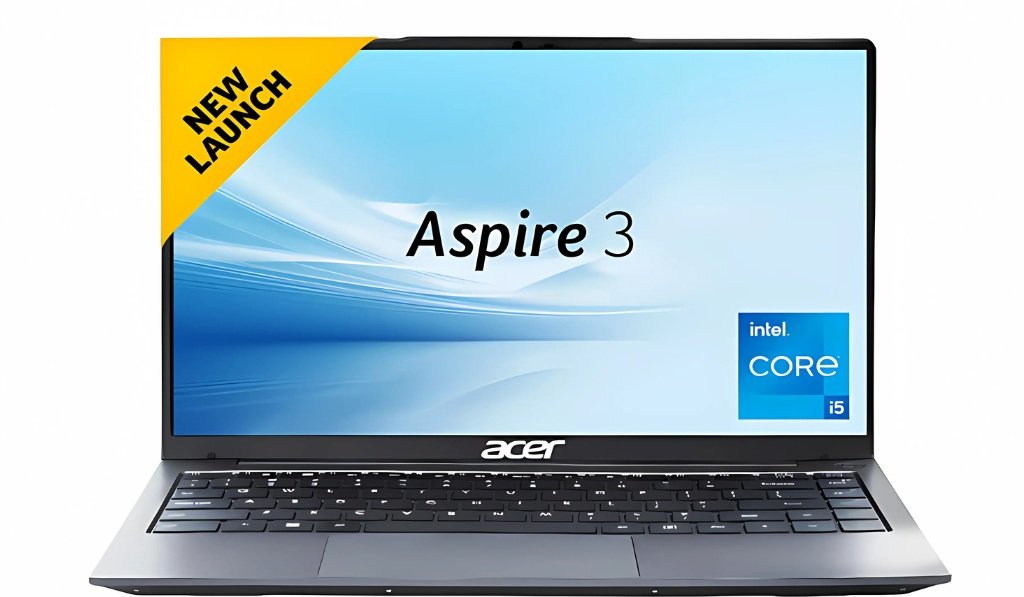
- Price :- /-
Specifications:-
| Attributes | Details |
|---|---|
| Model Name | Acer Aspire 3 |
| Processor | Intel Core i5-1334U |
| Graphics | Intel (Integrated) |
| RAM | 16 GB |
| Storage | 512GB SSD |
| Display | 14 Inches Full-HD Display |
| Display Type | LED |
| Battery Life | Up to 6 hours |
| Operating System | Windows 11 Home |
| MS Office | No |
| Bluetooth Version | 5.2 |
| Wi-Fi Generation | Wifi 6 |
| Keyboard | Backlit |
| Warranty | 1 Year |
| Weight | 1.45KG |
2. Lenovo ThinkBook 16
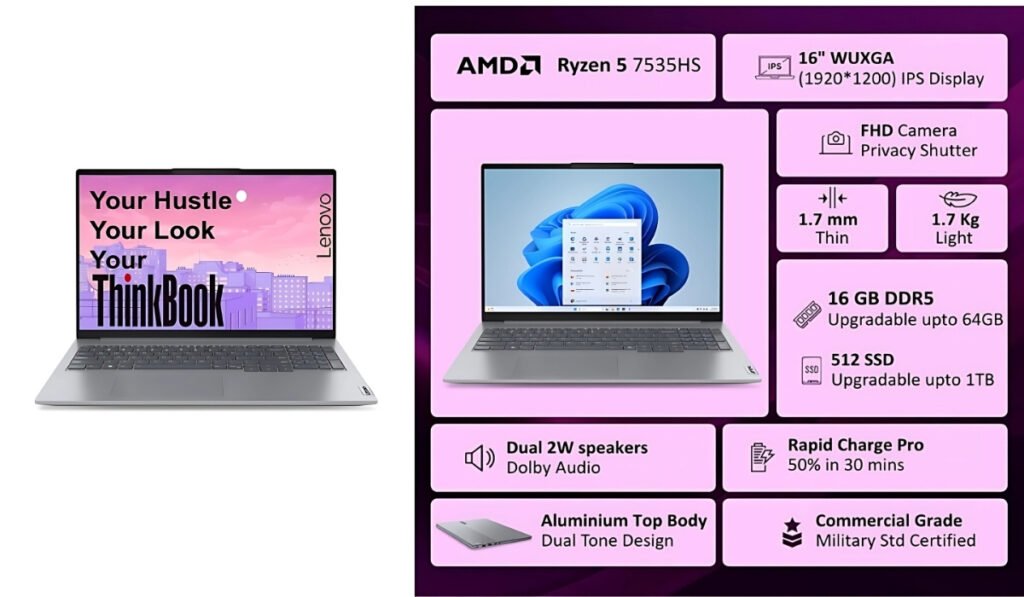
- Price :-₹46,505 /-
Specifications:-
| Attributes | Details |
|---|---|
| Model Name | Lenovo ThinkBook 16 |
| Processor | AMD Ryzen 5 7535HS |
| Graphics | AMD Radeon graphics (Integrated) |
| RAM | 16 GB |
| Storage | 512GB SSD |
| Display | 16 Inches WUXGA IPS |
| Display Type | LED |
| Battery Life | Up to 6 hours |
| Operating System | Windows 11 Home |
| MS Office | Office 2024 |
| Bluetooth Version | 5.3 |
| Wi-Fi Generation | Wi-Fi 6E |
| Keyboard | Backlit |
| Warranty | 1 Year |
| Weight | 1.7kg |
3. Asus Vivobook Go 15(oled)
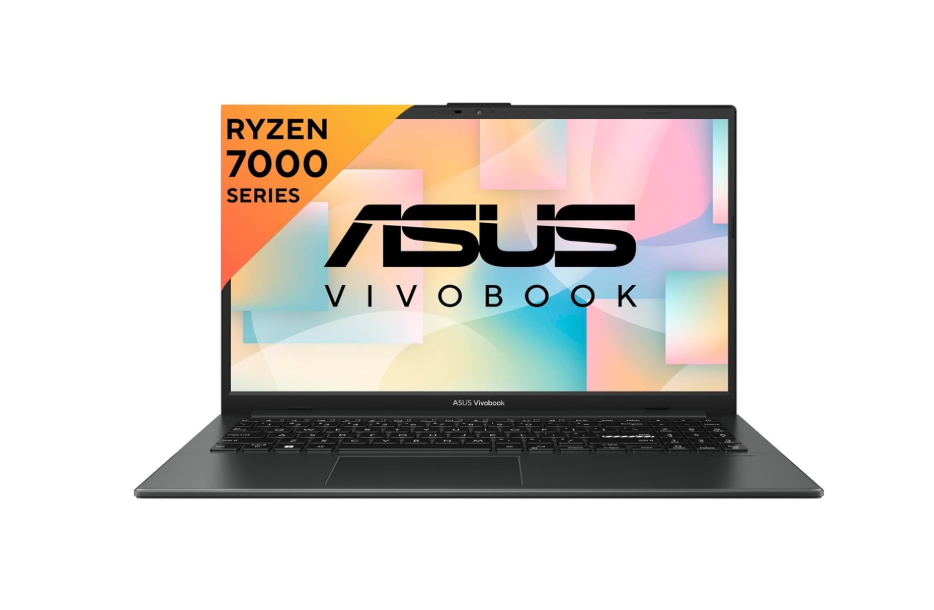
- Price :- ₹39,990 /-
Specifications:-
| Attributes | Details |
|---|---|
| Model Name | ASUS Vivobook Go 15 (2023) |
| Processor | AMD Ryzen 5 7520U |
| Graphics | AMD Radeon graphics (Integrated) |
| RAM | 16 GB |
| Storage | 512GB SSD |
| Display | 15.6 Inch Full-HD Display |
| Display Type | LED |
| Battery Life | Up to 6 hours |
| Operating System | Windows 11 Home |
| MS Office | YES (Office 2021) |
| Bluetooth Version | (No idea) |
| Wi-Fi Generation | Wi-Fi 6 |
| Keyboard | Backlit |
| Warranty | 1 Year |
| Weight | 1.63 KG |
4. Samsung Galaxy Book 4

- Price :- ₹35,599 /-
Specifications:-
| Attributes | Details |
|---|---|
| Model Name | Galaxy Book4 |
| Processor | Intel Core i3 13th Gen 1315U |
| Graphics | Intel Integrated Iris Xe |
| RAM | 8 GB / 16 GB (not expandable) |
| Storage | 512GB SSD |
| Display | 15.6 Inch Full-HD Display |
| Display Type | LED |
| Battery Life | Up to 6 hours |
| Operating System | Windows 11 Home |
| MS Office | YES |
| Bluetooth Version | 5.2 |
| Wi-Fi Generation | Wi-Fi 6 |
| Keyboard | Backlit |
| Warranty | 1 Year Onsite Warranty |
| Weight | 1.55 Kg |
5. Asus ExpertBook P1
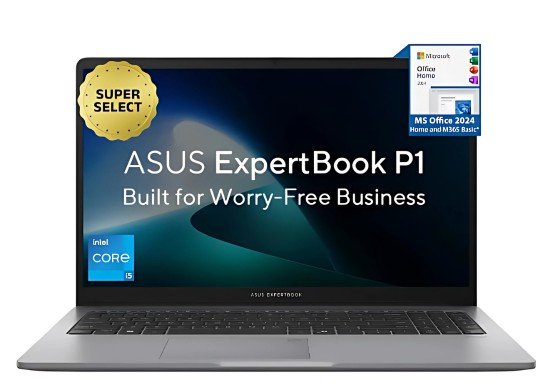
- Price :- ₹37,990 /-
Specifications:-
| Attributes | Details |
|---|---|
| Model Name | Expertbook P1 |
| Processor | Intel Core i3 13th Gen 1315U |
| Graphics | Intel Integrated UHD |
| RAM | 8 GB |
| Storage | 512GB SSD |
| Display | 15.6 Inch Full-HD Display |
| Battery Life | Up to 6-7 hours |
| Operating System | Windows 11 Home |
| MS Office | YES |
| Bluetooth Version | 5.4 |
| Wi-Fi Generation | Wi-Fi 6 |
| Keyboard | No Backlit |
| Warranty | 1 Year Onsite Warranty |
| Weight | 1.62 Kg |
6. Hp 15
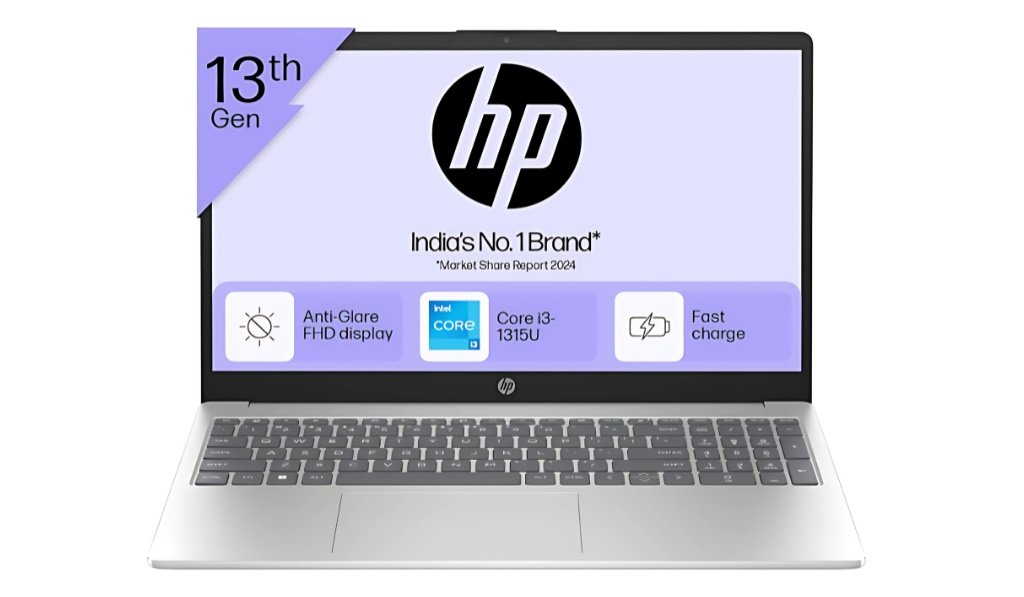
- Price :- ₹37,499 /-
Specifications:-
| Attributes | Details |
|---|---|
| Model Name | HP Laptop |
| Processor | Intel Core i3 13th Gen 1315U |
| Graphics | Intel UHD Graphics(Integrated) |
| RAM | 8 GB |
| Storage | 512GB SSD |
| Display | 15.6 Inch Full-HD Display |
| Battery Life | Up to 6-7 hours |
| Operating System | Windows 11 Home |
| MS Office | YES (Office 2021) |
| Bluetooth Version | 5.3 |
| Wi-Fi Generation | Wi-Fi 6 |
| Keyboard | No Backlit |
| Warranty | 1 Year |
| Weight | 1.59kg |
Final Thoughts: Which Laptop Should You Pick?
Choosing the best coding laptop under ₹45,000 in 2025 comes down to your personal needs and preferences. If you value performance and speed, go for a laptop with the latest Intel i5 or AMD Ryzen 5 processor paired with SSD storage. If you work long hours, prioritize battery life and display quality for comfort, go for a laptop with the latest Intel i3 13th generation.
All the laptops mentioned above are excellent options for programmers, students, and beginners. My advice is simple: pick the one that matches your workflow, budget, and brand trust. With the right choice, you’ll have a reliable partner for coding, learning, and building projects for years ahead.
👉 At the end of the day, the best laptop is the one that makes your coding journey smooth and enjoyable.
The best laptop under ₹45,000 depends on your needs. For most programmers, a laptop with an Intel i5 12th Gen or AMD Ryzen 5, 8GB RAM, and an SSD is ideal. Popular choices include HP, Lenovo, and Acer laptops that balance performance and budget. Yes, 8GB RAM is enough for beginners and intermediate programmers, especially for languages like Python, Java, or C++. However, if you work on Android development, ML/AI projects, or heavy IDEs, upgrading to 16GB RAM will give smoother performance. Not necessarily. For most coding tasks, integrated graphics (Intel Iris Xe or AMD Radeon) are more than enough. A dedicated GPU is only required if you are into game development, video editing, or GPU-heavy tasks like AI/ML training. Yes, you can run Android Studio on a laptop under ₹45,000, provided it has at least 8GB RAM, an i5/Ryzen 5 processor, and SSD storage. For smoother performance, go for a laptop that allows RAM upgrades. With proper care, a good laptop in this budget can last 4–5 years for coding and everyday tasks. Opting for an upgradable laptop (RAM + SSD) will extend its usability.FAQs
Disclaimer
The laptops, specifications, and prices mentioned in this article are based on research and available information as of 2025. Actual product details may vary by seller, location, and time. Please verify all features, configurations, and warranty details on the official brand website or from authorized retailers before making a purchase. This content is for informational purposes only and should not be treated as professional buying advice.